Video
Guidelines for creating successful Nordson-branded video.
We have created the following guidelines to create a consistent visual output going forward. The importance of consistent communication of the Nordson brand is vital and following these guidelines will help ensure that your videos successfully express the Nordson brand in a way that is seamless with our website, printed material, PowerPoint, and product. Given how powerful and popular video is, straying from our identity in such an immersive medium can weaken our brand experience considerably.
Graphic identity
Nordson videos should reinforce the Nordson image through the consistent use of corporate identity elements. These elements include the logo, the Nordson Blue Bar, fonts, and color. The overall graphic design of videos should always be clean, contemporary and professionally executed. Because video objectives vary, additional specifications are minimal. However, the following guidelines should be adhered to:
Logo Intro
Features the Nordson logo and sub-brand identification only.
Product Detail 1
Product detail screens can be used with still product images or video.
Product / Application Detail 1
This title and text style was designed for footage where there is no clear screen space for onscreen text, such as screen footage or product demonstration.
Product / Application Detail 2
This title and text style was designed to provide title and text overlay at the bottom of the screen.
Logo Outro
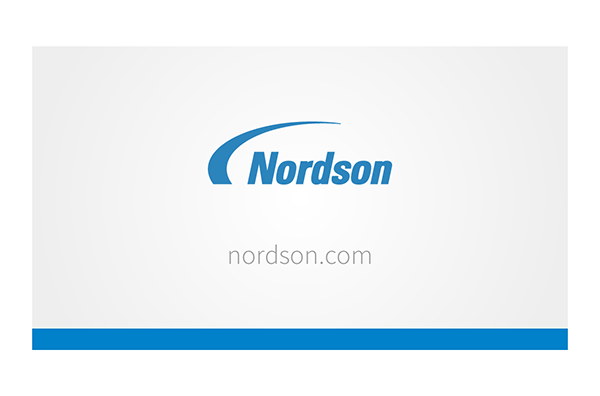
Conclude your video using the logo outro screen. It features the Nordson logo, sub-brand identification and accommodates the sub-brand URL. Custom intros or outros can be created, but permission needs to be obtained by Corporate Communications.
Text Treatments
Onscreen text should be placed on clear screen areas when used on plain backgrounds or on overlays when used with footage with more diverse background imagery.
Headings and body copy are set in Source Sans Pro. Headings can run onto two or three lines where needed. Body copy can be short paragraph or a bullet point list.
Text animation may be used in a simple typewriter effect if desired.
If you need to draw attention to a product feature or section you can use a simple animated line.
Please don’t use any other text animations. We want to keep messaging clear and consistent. That means no distortions or any unnecessary effects.
Transitions
Use only simple cross-fades and jump-cuts. No distracting transitions such as morphing, twirls or spins.
Conclude your video using the logo outro screen. It features the Nordson logo, sub-brand identification and accommodates the sub-brand URL. Custom intros or outros can be created, but permission needs to be obtained by Corporate Communications.
Text Treatments
Onscreen text should be placed on clear screen areas when used on plain backgrounds or on overlays when used with footage with more diverse background imagery.
Headings and body copy are set in Source Sans Pro. Headings can run onto two or three lines where needed. Body copy can be short paragraph or a bullet point list.
Text animation may be used in a simple typewriter effect if desired.
If you need to draw attention to a product feature or section you can use a simple animated line.
Please don’t use any other text animations. We want to keep messaging clear and consistent. That means no distortions or any unnecessary effects.
Transitions
Use only simple cross-fades and jump-cuts. No distracting transitions such as morphing, twirls or spins.